

All of my OpenAPI pages are completely blank
All of my OpenAPI pages are completely blank
This usually means that Mintlify cannot find your OpenAPI document or that the document is invalid.Run 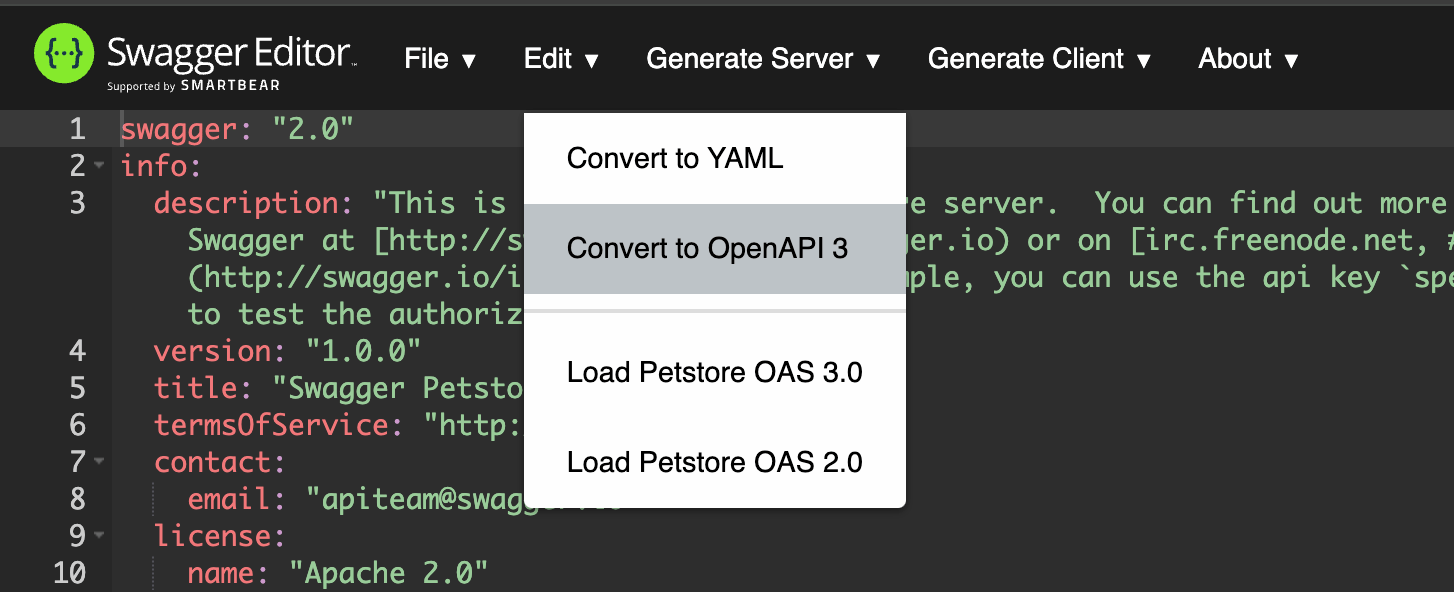
mint dev locally to reveal some of these issues.To verify your OpenAPI document passes validation:- Visit this validator.
- Switch to the Validate text tab.
- Paste in your OpenAPI document.
- Click Validate it!
One of my OpenAPI pages is completely blank
One of my OpenAPI pages is completely blank
A misspelled Here’s an example of how things might go wrong:The path in the
openapi field in the page metadata usually causes this issue. Make sure
the HTTP method and path match the HTTP method and path in the OpenAPI document.Mintlify automatically resolves trailing slash differences between your
openapi reference
and the OpenAPI specification. For example, GET /users/{id}/ matches a specification path of /users/{id}.get-user.mdx
openapi.yaml
openapi field says /user/{id} (singular). The path in the OpenAPI document is
/users/{id} (plural).Another common issue is a misspelled filename. If you specify a particular OpenAPI document
in the openapi field, ensure the filename is correct. For example, if you have two OpenAPI
documents, openapi/v1.json and openapi/v2.json, your metadata might look like this:api-reference/v1/users/get-user.mdx
My build fails with "Failed to fetch OpenAPI file for anchor or tab"
My build fails with "Failed to fetch OpenAPI file for anchor or tab"
This error means Mintlify could not download the OpenAPI document at the URL in your
docs.json openapi field during the build. Common causes include:- The host is unreachable or resolves only from a private network.
- The URL requires authentication (a token, session cookie, or IP allowlist).
- The certificate is invalid or the domain has a DNS issue.
- The origin returned a transient 5xx or timed out.
- The spec was being republished at the moment the build ran, so the URL served a partial or empty response.
curl from a machine outside your network. To fix the error, switch to one of these patterns:- Commit the spec into your docs repo. This is the recommended pattern when the source URL is behind auth. Point the
openapifield at the repo-relative path (for example,"openapi": "openapi.json") and update the file in the same commit that changes your API. - Serve the spec from a stable public HTTPS URL. Host it on a CDN or object storage bucket that does not require auth, has a valid TLS certificate, and returns the full document on every request.
Requests from the API Playground don't work
Requests from the API Playground don't work
If you use a custom domain, your reverse proxy might cause this issue. By default, the API
Playground starts requests with a
POST request to the /_mintlify/api/request path on the docs
site. If your reverse proxy allows only GET requests, all of these requests fail. Configure your
reverse proxy to allow POST requests to the /_mintlify/api/request path.Alternatively, if your reverse proxy prevents you from accepting POST requests, configure Mintlify
to send requests directly to your backend with the api.playground.proxy setting in the docs.json.
See the settings documentation for details. When you use this configuration,
requests come directly from users’ browsers rather than through your proxy. Configure Cross-Origin
Resource Sharing (CORS) on your server.